WhatsApp Chatbot for Clinics: Appointments, Reminders and Fewer No-Shows
A WhatsApp chatbot for clinics books appointments, sends reminders and reduces no-shows. A guide with setup, cost and safety rules.
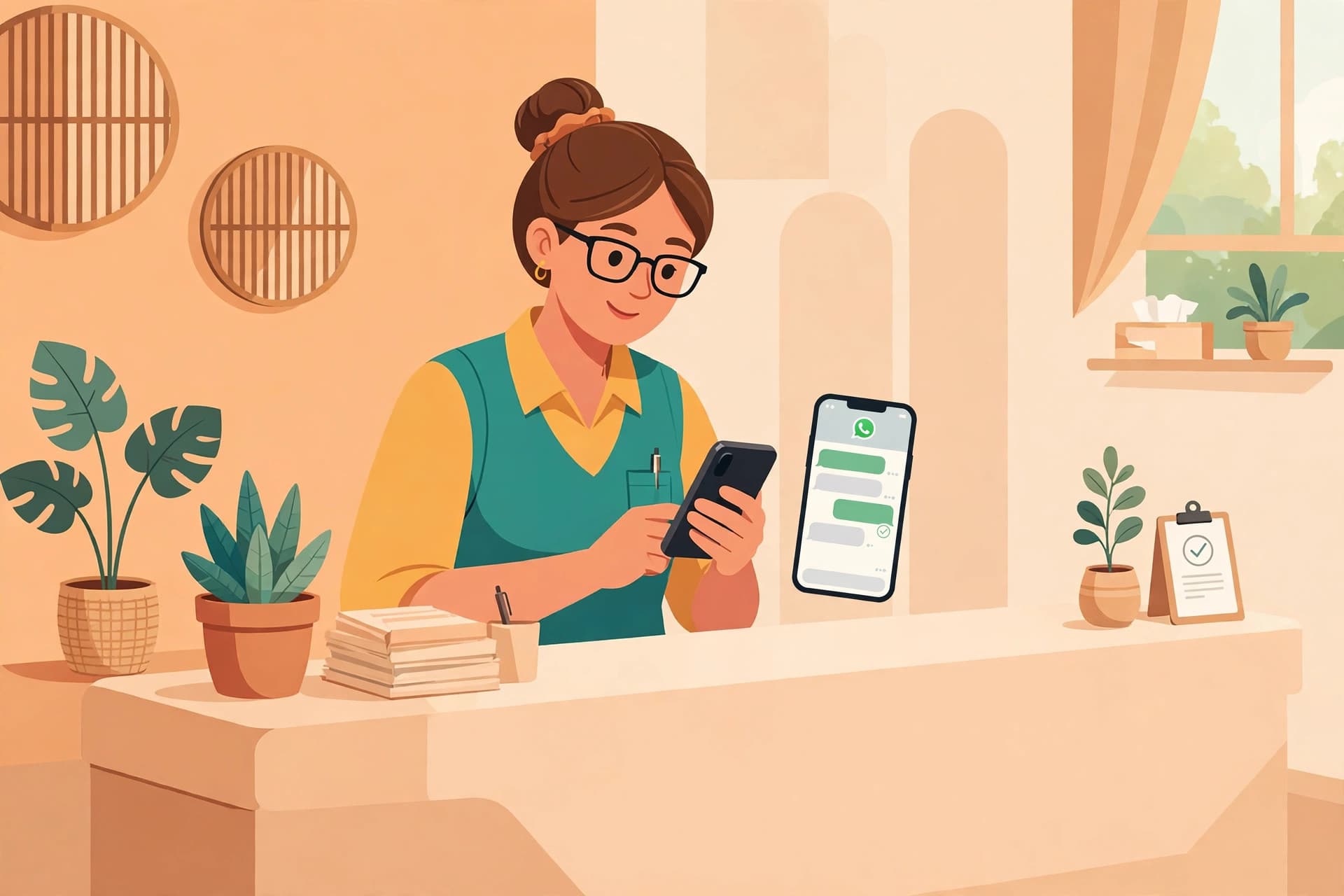
A WhatsApp chatbot books clinic appointments for you: patients message, pick a slot, and get a reminder, without the receptionist touching the phone. It cuts no-shows and ends double bookings. Picture the morning scene at a typical clinic. The phone is ringing at reception. A patient is standing at the counter. Three people are waiting outside the doctor's room. And in the meantime, four new messages have arrived on WhatsApp, all for appointments. Who should the receptionist answer first? Should she pick up the phone, attend to the patient at the counter, or write back on WhatsApp?
This is what happens in most clinics. The appointment system runs on phone calls and memory. A patient calls, the receptionist writes the name in a diary, and that is the end of it. Then the patient forgets, or his plan changes, and he never comes at all. The doctor's slot stays empty. At the end of the day, the clinic does not even know how many slots were wasted, because nobody counted them.
A WhatsApp chatbot is a straightforward solution to this problem. The patient books an appointment through chat from his own phone, at a time of his own choosing. The bot confirms the date and time, sends a reminder before the appointment, and if the patient's plan changes, rescheduling also happens in the chat. The receptionist's work does not end. Her work changes. She moves from the burden of phones and diaries to the work that actually needs a human.
In this guide, we will look at how a WhatsApp chatbot for a clinic really works, what the appointment flow looks like, how reminders reduce no-shows, and where the bot should stop and a human should step in.
How appointments are currently booked in clinics
In most clinics, the appointment system runs on three methods. The patient calls, comes to the clinic and has his name written down, or sends a message on WhatsApp. All three have the same problem. Every booking needs a person's time.
Booking by phone means the receptionist has to answer every call. When she is busy with another patient, the call is missed. A missed call often means a missed patient, because the patient will call another clinic. Even the calls that do connect waste time. The name, number, problem, date and time all have to be asked and written down.
Booking on WhatsApp is a little better, but without a system it also becomes tangled. Messages get buried below others. A patient messages in the morning and gets a reply in the afternoon. By then he has already taken an appointment somewhere else. And if the receptionist is on leave or the clinic is closed, the messages get no reply at all.
The third problem is no-shows. The patient took an appointment, but he did not remember it. The clinic did not send a reminder, because sending reminders also takes time. The result is that the doctor's time goes to waste, and the other patients on the waiting list do not get that slot.
All these problems exist because booking work rests on human hands. And human hands have limits.
How a WhatsApp chatbot books an appointment
Now imagine that a patient opens WhatsApp at 10 at night, after the clinic has closed, and writes to the clinic's number that he needs an appointment tomorrow. The chatbot replies at once. It asks which doctor he wants to see, which day he wants to come, and whether a morning or evening time would suit him. The patient replies. The bot shows the free slots. The patient picks one slot. The bot confirms the name and phone number and fixes the appointment. The whole job is done in two minutes, without any call, and without anyone having to stay awake.
This is no magic. It is a set flow that runs on the clinic's real schedule. Usually the flow works something like this.
First, the bot asks the patient which department or doctor he wants to visit. If the clinic has only one doctor, this question becomes short. Then the bot shows the available days and times. The patient picks a slot of his choice. Then the bot confirms the name and number. Finally, the bot sends a confirmation message that includes the date, time, doctor's name and clinic address. The patient gets written proof. The clinic also gets the booking recorded.
One good thing is that the bot can talk to more than one patient at a time. When the receptionist is on one call, the other call is on hold. That does not happen with the bot. If five patients message at the same time, all five get a reply at once.
Another good thing is that the bot does not get tired and does not forget. It records every booking in the same way. The spelling of the name, the date, the time, everything is the same. This reduces mistakes.
Reminders that reduce no-shows
A no-show is a clinic's silent loss. The doctor's time is wasted, but no bill is made, so the loss is not visible. Its biggest cause is forgetting. The patient took an appointment, then something else came up in life, and the appointment slipped from his mind.
A reminder is the straightforward cure for this. One day before the appointment, the bot sends the patient a message. It includes the date, time and doctor's name. The patient remembers. Some clinics also send a second short reminder on the morning of the appointment day. Together, these two reminders reduce no-shows noticeably.
But the real benefit of a reminder is not only reminding. The real benefit is that the reminder gives the patient a chance to reply. If the patient cannot come, he writes on the reminder itself that he needs to reschedule. The clinic knows in advance that the slot is about to become free, and it can give that slot to another patient. Without a reminder, the clinic only learns this when the patient does not come at all. By then it is too late.
That is why reminders should not be treated as a formality. They protect the clinic's schedule.
Rescheduling and cancellation, without a phone call
Plans keep changing in life. The patient gets work, a child falls ill, or traffic makes it hard to reach on time. In the old system, the patient had to call the clinic. If the call did not connect, he simply did not come. The appointment was wasted, and the slot was wasted.
With a chatbot, the patient writes in the reminder or booking chat itself that he wants to come the day after tomorrow instead of tomorrow. The bot shows the newly available slots. The patient picks a new slot. The old slot opens up for others at once. The whole job is done in one minute, and the receptionist does not need to step in at all.
Cancellation is just as easy in the same way. The patient writes that he wants to cancel the appointment. The bot confirms and frees the slot. If the clinic staff wish, they can look at the list of cancelled slots and message patients on the waiting list.
This small convenience is a big thing for the patient. He feels no embarrassment, does not have to wait on a call, and his problem is solved at once. Such patients come back to the same clinic again.
Where the bot should stop: safety and human handoff
Now the most important part. A clinic's chatbot is for appointments and information. It is not a doctor. That is why its limits must be clear.
The bot must never diagnose an illness. If a patient writes that he has a fever and chest pain, the bot must not say what illness he has or which medicine he should take. It should say that a doctor's advice is necessary for his symptoms, and it should inform the human staff at once. For emergency symptoms, the bot should direct the patient at once to the nearest hospital or emergency number.
The bot must not give advice about medicines on its own either. It can only give information that the clinic has already approved, such as clinic hours, address, fees, or the procedure for ready test reports. Every question that asks for medical advice should go to a human.
This is what safe handoff means. When the bot sees a message that is beyond its limit, it does not argue. It tells the patient that his message has been sent to our staff, and that the staff will reply soon. Then the conversation passes to the human team. The patient feels that he has been heard, and the clinic's responsibility is fulfilled.
This handoff is not just a feature. It is the foundation of a clinic's chatbot. A system that runs without it can be dangerous.
What the clinic team sees
Many people think that installing a chatbot means the staff lose control. In reality, the opposite happens. For the first time, the staff see the full picture.
All of today's appointments are visible in one place. Which ones are confirmed, which ones were rescheduled, which ones were cancelled. Which patients replied to the reminder and which ones did not. Which chats need a human. All of this is on one dashboard.
The staff can also change the bot's settings as they wish. If a doctor is on leave, that day's slots can be closed. If the clinic hours change, the bot's reply changes too. If there is a rush on a particular day, the staff can stop new bookings. Control stays in the staff's hands. The bot only does the work the staff have told it to do.
This system works for a small clinic and also for a large clinic. In a small clinic, one receptionist handles everything. In a large clinic, each department can see its own bookings.
Setup: what is needed to start
Starting a WhatsApp chatbot for a clinic is not a large IT project. Usually four things are needed.
The first thing is the clinic's WhatsApp Business number. This is the number patients message. The second thing is the doctors' schedule. Which doctor is available on which days and at what times, and how long one appointment lasts. The third thing is the replies the bot has to give. The clinic hours, address, fees, and answers to common questions. The fourth thing is the handoff method. On what kind of messages the staff will be informed at once.
After these four things, the bot is tested. The team chats as patients themselves. They book, reschedule, and ask difficult questions to see whether the handoff works correctly or not. When the test is fine, then the bot is opened to patients.
In the beginning, it is better to keep the bot small. First only appointment booking and reminders. When the team gains confidence, then gradually more flows can be added, such as a notice that a report is ready or a reminder for a follow up visit.
Cost: what it costs with WAbot
Now the question is how much this costs. WAbot plans are written on wabot.pk on the pricing page. The Free plan costs PKR 0 and gives up to 20 messages a month, which is enough for a small clinic to try the bot. The Starter plan costs PKR 4,999 a month and the Growth plan costs PKR 9,999 a month. For larger clinics or setups with more messages, the Enterprise plan costs PKR 24,999 a month.
Which plan will suit depends on how many messages the clinic receives in a month and how many flows it needs. A small clinic often starts with Starter and moves to Growth when patients increase. The plan can be changed at any time. For details, see the pricing page, and to start, create an account on the signup page.
Remember one thing. The cost of a chatbot should not be compared only with its fee. Compare it with the time that used to be wasted. Every no-show saved by a reminder, every missed call that turns into a booking, and every hour saved for the receptionist, all of that is its real value.
FAQ
Will a WhatsApp chatbot make the doctor's decision in place of the patient?+
No. The chatbot is only for appointments, reminders and general information. Medical decisions, diagnosis and medicine advice always go to the doctor or trained staff. The bot is set up with such limits that it sends questions beyond its limit to a human at once.
Can a patient book an appointment at night as well?+
Yes. This is the chatbot's biggest benefit. Even after the clinic closes, the bot shows available slots and confirms the booking. The patient does not have to wait until morning, and the clinic gets a ready list of bookings in the morning.
What happens if the patient does not reply to the reminder?+
The appointment stays in place. Replying to the reminder is not necessary. But if the patient writes in his reply that he wants to reschedule or cancel, the bot takes action at once. If the clinic wishes, it can look at the list of patients who did not reply and call them as well.
Can the bot recognise emergency messages?+
The bot is set up for words and symptoms that point towards an emergency. As soon as it receives such a message, the bot advises the patient to seek emergency help at once and sends the conversation to the human staff. But the responsibility for an emergency always rests with a human, not with the bot.
Can old bookings and the diary record also come into it?+
Often yes. In the beginning, the clinic puts its existing schedule into the bot, so that there is no double booking. The detail depends on what form the clinic's record is in. This is settled at setup time.
How long does it take to start a chatbot for a clinic?+
If the doctors' schedule and common replies are ready, the basic setup often happens within a few days. Some time should be kept for testing, so that the team is confident that booking, reminders and handoff are all working correctly. If your clinic is struggling daily with phone calls and missed messages, create an account on the signup page and test the first booking flow yourself. For plans and prices, see the pricing page.
Put this guide to work today
WaBot sets up WhatsApp automation for your business in minutes, with answers from your own business info, in English or Urdu. Start free.