How to Automate Customer Support on WhatsApp
Learn how to automate WhatsApp customer support: setup steps, safe human handoff, common workflows, and pitfalls to avoid in this guide for small businesses.

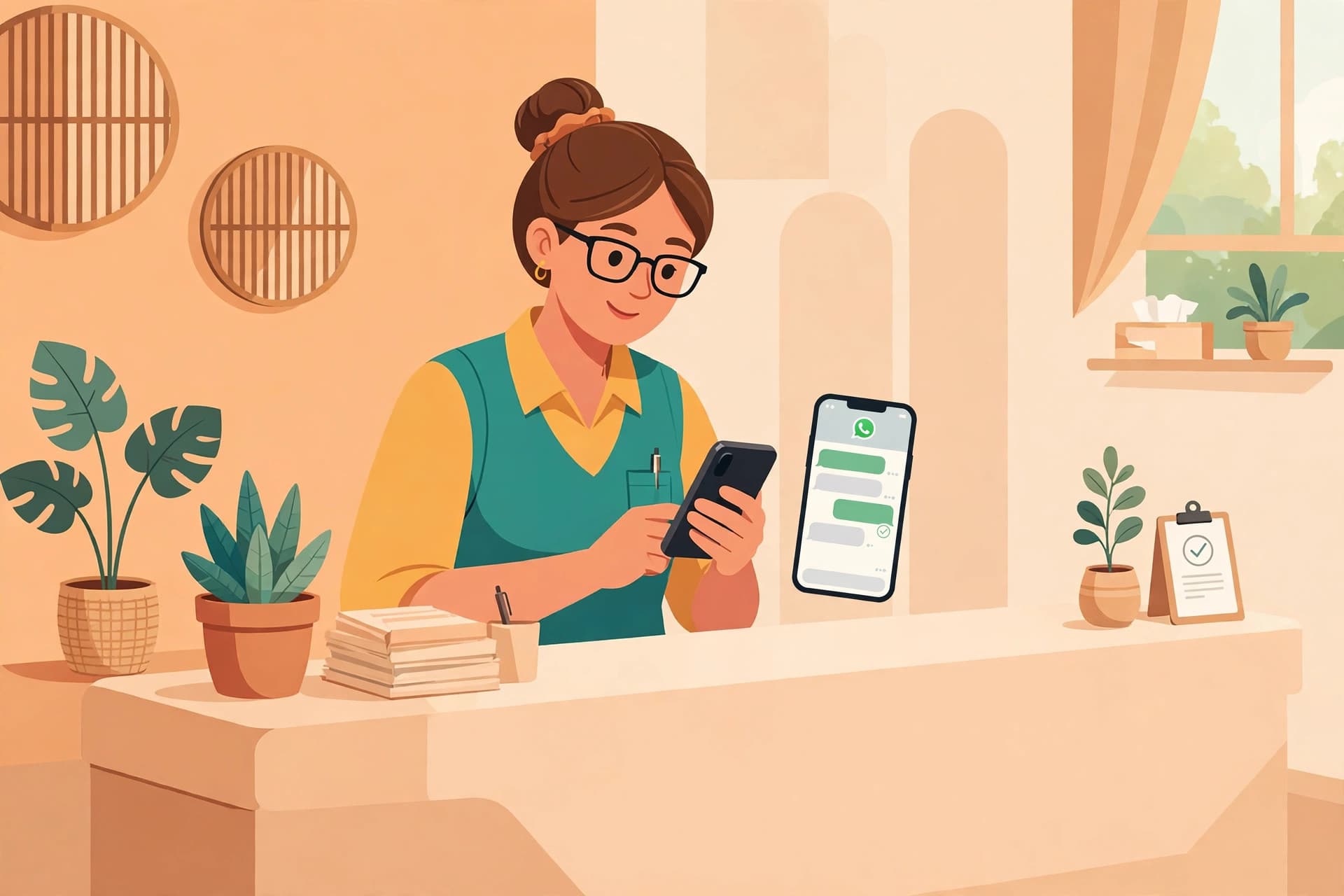
WhatsApp automation answers your customers instantly, takes orders and bookings, and hands the chat to a human when one is needed. You set it up once, from your own business info, and it works around the clock. Most small businesses did not plan to run customer support on WhatsApp. It just happened. A customer found the business number online, sent a message asking about a delivery, and got an answer faster than any ticket system would have managed. Then another customer did the same. Now the phone never stops buzzing, and the owner answers messages between customers, during lunch, and late at night.
If that sounds familiar, this guide is for you. Automating WhatsApp customer support does not mean replacing yourself with a robot. It means handling the questions that repeat every single day automatically, so your time and energy go to the conversations that actually need a human. Done right, customers get faster answers and you get your evenings back.
Why Customers Prefer WhatsApp Over Email and Tickets
Think about it from the customer's side. When something goes wrong with an order, they do not want to log into a portal, fill out a form with a subject line and a category, and wait for a confirmation email that says someone will respond within 48 hours. They want to open the app that is already on their phone and ask a question in one line.
WhatsApp wins for support because it is conversational and familiar. There is no new interface to learn. Messages arrive as notifications, which feels natural, and the whole history of the conversation stays in one thread that both sides can scroll through. For small businesses, this matters even more, because customers often already think of the business as a person they message, not a company they file tickets with.
Email still has its place for formal records and long explanations. Ticket systems make sense when a company has a large team with defined roles. But for the small business where one or two people handle everything, WhatsApp is where support already lives. The goal is not to drag customers onto another channel. The goal is to make the channel they already use work better.
The 80/20 Rule of Support Questions
Here is a pattern almost every small business will recognize. If you look at a month of customer messages, a huge share of them are the same questions asked again and again. Where is my order. What are your opening hours. What is your return policy. Do you deliver to my area. What is the price for this service. These repeatable questions are the eighty percent. They have known answers, and automation handles them perfectly.
The other twenty percent is different. A customer is upset about a damaged item. Someone has an unusual request that does not fit any menu. A regular customer needs advice, not information. These are sensitive, emotional, or complex, and no bot should handle them alone. This is where a human steps in.
This split is the whole philosophy of good support automation. Automate the repeatable eighty percent so the answers are instant and consistent. Hand off the sensitive twenty percent to a person with full context. Businesses that get this backwards, automating everything and handing off nothing, end up with frustrated customers and the exact mess automation was supposed to prevent.
Step-by-Step: Setting Up Automated WhatsApp Support
Step 1: Connect a Business Number
The first decision is which number automation will run on. Many businesses start with the WhatsApp Business app on an owner's phone, which works fine for a while but keeps everything tied to one device and one person. When you are ready to automate properly, a WhatsApp Business API number lets software send and receive messages on your behalf, keeps the conversation history independent of any single phone, and supports features like automated flows and broadcast campaigns that the app cannot do. You can see the current plan options on the pricing page and create an account through signup when you are ready.
Step 2: Map Your Most Repeated Questions
Before building anything, spend a week watching your inbox. Scroll through your WhatsApp chats and write down the questions that keep appearing. You will probably fill a page in an hour. Rank them by frequency. The top five to ten questions are your automation candidates, because they will cover the vast majority of your message volume.
Step 3: Build Answer Flows
For each repeated question, write the answer the way you would say it yourself. Keep answers short, complete, and in your normal tone. Then organize them into simple flows. A customer asks about order status, the bot asks for the order number, and the bot replies with the status. A customer asks about opening hours, the bot answers directly with hours and location. No branching mazes. If a flow needs more than three back-and-forth steps to reach the answer, simplify it.
Step 4: Set Handoff Rules
This is the step most businesses skip, and it is the step that matters most. Decide in advance when the automation must stop and hand the conversation to a human. Common triggers include the customer typing words that signal frustration, the customer asking something the bot cannot answer, the conversation going in circles, or the customer explicitly asking for a person. Write these rules down and make sure the handoff actually notifies someone who will respond.
Step 5: Add Business Hours and Expectations
A bot that answers instantly at 3 AM can create expectations you cannot keep. Set business hours so customers know when a human is available. Outside those hours, the automation can still answer basic questions, but it should say clearly when a person will follow up. A simple line like "We are closed now, and we will get back to you by 10 AM tomorrow" prevents more frustration than any clever automation ever will.
Safe Handoff Done Right
A handoff is the moment automation proves it is working for you rather than against you. A good handoff has three qualities. It is fast, it carries context, and it is honest.
Fast means the customer does not wait in silence while the bot figures out what to do. When a handoff triggers, the customer should hear immediately that a person is joining the conversation and roughly when.
Carrying context means the human agent sees the whole conversation that came before. Nothing destroys trust faster than being asked to repeat everything you just told the bot. The agent should read the chat history first and pick up the thread naturally.
Honest means the bot never pretends to be a human. A message like "I am handing you over to my colleague now" is fine. A bot that says "Hi, I am Sarah from the support team" when it is not is not fine. Customers can tell, and being caught in that lie costs more trust than a slow reply ever would.
Common Workflows Worth Automating First
If you are wondering where to start, these five workflows cover most small business support traffic.
Order status. The single most asked question in any business that ships products. The bot takes the order number and replies with the current status. Simple, instant, and eliminates a huge chunk of daily messages.
Returns and refunds. Most return questions are policy questions, not exceptions. The bot can explain the return window, the steps, and what the customer needs to prepare. Only the unusual cases need a person.
Opening hours and location. This one barely needs a flow. A direct answer with the address and a map link takes seconds to set up and saves messages every day.
Product and service FAQs. Prices, sizes, availability, delivery areas, booking options. Anything you have answered more than ten times belongs in the bot.
Booking confirmations and reminders. If customers book appointments or services, the bot can confirm bookings, send reminders, and handle reschedules. This is where automation starts saving real hours instead of minutes.
Pitfalls to Avoid
Automation can go wrong in predictable ways. Knowing them in advance saves you from learning them the hard way.
Bot loops. This is the classic failure. The customer asks something the bot does not understand, the bot replies with its menu, the customer repeats the question, the bot replies with the menu again. After three misunderstandings, any sane system hands off to a human. Build a maximum-attempt limit into every flow.
Pretending to be human. It is tempting to make the bot sound personal, but there is a line between a friendly tone and deception. A bot with a friendly tone is good. A bot with a human name, a human photo, and scripted small talk is a lie. Customers who discover it feel tricked, and tricked customers do not come back.
Ignoring edge cases. Automation covers the common cases beautifully and fails spectacularly on the rare ones. Plan for them. What happens when the order number does not exist in the system. What happens when the bot's API is down. Every flow needs a fallback that routes the customer to a human instead of dropping them.
Set and forget. Your answers will go stale. Prices change, policies change, hours change. Review your automated answers regularly and update them the same way you would update your website. A bot giving last year's prices is worse than no bot at all.
Automating complaints away. When a customer is upset, speed matters, but empathy matters more. A complaint should reach a human quickly. Using automation to deflect angry customers is a short path to bad reviews that mention your bot by name.
How WAbot Fits In
WAbot is built around exactly this approach. Instant AI replies handle the repeatable questions around the clock. When a conversation needs a person, safe handoff moves it to a human agent with the full chat history attached, so nothing gets lost in the transfer. Booking flows let customers confirm and reschedule without a phone call. Campaign broadcasts keep customers informed about offers and updates. Revenue recovery follows up on abandoned conversations and carts that went quiet.
The international plans on trywabot.com are straightforward. Starter at $50 per month covers the essentials for a small business getting started with automation. Growth at $75 per month adds more capacity and features for busier businesses. Enterprise at $150 per month is for businesses that need the full platform with everything included. You can compare the plans in detail on the pricing page, and signing up takes a few minutes.
For a broader look at what WhatsApp automation can do beyond support, the guide What Is WhatsApp Automation? A 2026 Guide is worth reading next.
FAQ
How much does it cost to automate WhatsApp customer support?+
It depends on the platform and the volume of messages. With WAbot on trywabot.com, plans start at $50 per month for Starter, $75 per month for Growth, and $150 per month for Enterprise. On top of that, WhatsApp itself charges per message through the Business API, with rates that vary by country and message category. For most small businesses, the combined cost is far less than hiring someone to answer messages full time.
How long does setup take?+
For a basic setup, a few hours. Connecting the number, writing answers for your ten most common questions, and setting handoff rules is a single afternoon of work. More complex flows with order tracking or booking integrations take longer, mainly because the answers need to be written carefully. The technology is the quick part. Good answers are what take time.
Can the bot reply in multiple languages?+
Yes. Most modern automation platforms support multiple languages, and you can write separate answer flows for each language your customers use. This is especially useful for businesses serving mixed-language markets. Just make sure someone reviews the translations, because a poorly translated answer is worse than an English one the customer can work through.
When exactly does the bot hand off to a human?+
You define the triggers, and the most common ones are the customer asking to speak to a person, the bot failing to understand the question after a few attempts, the conversation containing words that signal frustration or a complaint, and the request falling outside anything the bot was built to answer. A well configured system also hands off outside business hours with a clear message about when a human will respond.
What is the difference between the WhatsApp Business app and the WhatsApp Business API?+
The WhatsApp Business app runs on a single phone and is designed for one person managing conversations manually. It has basic automation like greeting messages and quick replies. The WhatsApp Business API lets software connect to WhatsApp on your behalf, which is what makes real automation possible: AI replies, structured flows, broadcast campaigns, and integrations with your other systems. The API does not come with an app interface, so it works through a platform like WAbot.
Does automation integrate with my existing tools?+
Platforms like WAbot are built to connect with the systems small businesses already use, such as order management, booking tools, and spreadsheets. The depth of integration varies by plan and by tool. If you have a specific system in mind, check whether it offers a public API or an export option, because that usually determines how smoothly the connection can be built.
Put this guide to work today
WaBot sets up WhatsApp automation for your business in minutes, with answers from your own business info, in English or Urdu. Start free.