5 Best WhatsApp Automation Tools for Small Business in 2026
Compare the 5 best WhatsApp automation tools for small business in 2026. Features, pricing questions and how to choose the right platform for your team.

The best WhatsApp automation tool for a small business is the one your team will actually use: it answers from your own business info, sets up in days, and costs a price that still makes sense at your volume. Your customers already live on WhatsApp. They ask about stock at ten at night, confirm orders from the bus, and reschedule appointments while waiting in line somewhere else. If your business answers those messages slowly, or not at all, you lose sales that never show up in any report. Nobody calls to tell you they bought from someone else. They just quietly do it.
That is why small businesses look for a WhatsApp automation tool. Not a toy chatbot that answers one question and then gets stuck, but a system that replies instantly, takes orders, books appointments, sends reminders, and hands over to a human at the right moment. The market is full of options, though, and they are not all built for the same kind of business. Some are made for developers. Some are made for large support teams. Some are made for small teams that need something working this week.
This guide compares five tools worth considering in 2026, explains what each one is genuinely good at, and gives you the questions to ask before you commit. There is no single winner here. The right tool depends on your team, your volume, and how much setup work you are willing to do.
How to choose: five questions that matter more than feature lists
Every tool on this list can send an automated reply. That is the easy part. What separates them is everything around the reply. Before you compare prices or tick boxes, ask these five questions.
First, does it run on the official WhatsApp Business API, or on a workaround? The official API keeps your number safer and unlocks templates, broadcasts, and higher messaging limits. Workarounds built on personal WhatsApp accounts or unofficial connections can get a number restricted or banned, and that risk is not worth any saving.
Second, what happens when automation reaches its limit? Every business gets messages that a bot should not handle alone: an angry customer, an unusual request, a medical or financial question. The tool needs a clean handoff that moves the conversation to a human without losing context, and lets the human take over in the same thread.
Third, how much of your daily work can it actually automate? A reply bot saves minutes. A system that also books appointments, confirms orders, sends reminders, runs broadcast campaigns, and follows up on abandoned carts changes how the business runs. Think in workflows, not in single replies.
Fourth, how long does setup really take? Some tools need a developer and a week of configuration. Others let a non-technical owner connect a number, write a few replies, and go live the same day. Be honest about which kind of team you have.
Fifth, what does it cost at your real volume? A plan that looks cheap at fifty conversations a month can become expensive at five thousand. Ask how pricing scales, what counts as a billable message, and whether there are per-agent or per-template fees hiding in the fine print. Always check the tool's own pricing page, because prices change.
Keep those five questions in mind as you read the list below.
1. WAbot: full automation for small teams
WAbot is a WhatsApp automation platform built for small businesses that want the whole job done, not just a chatbot. It runs on the official WhatsApp Business API and covers instant AI replies, safe handoff to human agents, appointment bookings, broadcast campaigns, and revenue recovery for orders that stall partway through.
Its strength is completeness. A small shop can set up a greeting, an order flow, a booking flow, and a follow-up sequence in one place, without stitching together several tools. The human handoff is treated as a first-class feature rather than an afterthought, so conversations that need judgment reach a person quickly. For a business where one or two people handle everything, that matters more than any single advanced feature.
WAbot is a good fit if you want a system that works out of the box, you do not have a developer on hand, and you would rather manage one platform than several. Pricing is listed on the pricing page, and you can try the setup from the signup page.
2. Wati: the established team inbox
Wati is one of the best-known names in WhatsApp automation for small and mid-sized businesses. It grew around a shared team inbox, so several agents can answer customers from one number, and it adds broadcast messaging, automation, and integrations on top. Many businesses pick Wati when their main problem is volume: too many chats for one person, and a need to split work across a team.
Its strength is maturity. It has been around long enough that its workflows, templates, and integrations are well tested, and teams that live in their inbox all day tend to find it comfortable. The trade-off is that it can feel like a support tool first and an automation platform second. Businesses that want deep, multi-step automation sometimes find themselves building around it rather than inside it.
Wati is a good fit if your team is large enough to need a shared inbox with roles and assignments, and your automation needs are mostly replies and broadcasts rather than full order or booking flows.
3. Interakt: built around commerce and customer journeys
Interakt is a WhatsApp platform with a strong focus on commerce. It is often chosen by online stores and direct-to-consumer brands that want to turn WhatsApp into a sales channel: order updates, abandoned cart recovery, product recommendations, and campaign messages tied to what a customer actually bought or browsed.
Its strength is the customer journey view. Instead of treating every message as an isolated chat, it connects conversations to orders and campaigns, so a store can follow a customer from first question to repeat purchase. For a business that sells online and already thinks in funnels, that framing feels natural.
Interakt is a good fit if you run an online store and your biggest wins will come from order-related automation and campaigns. If your business is mostly appointments or services, some of its commerce features will matter less to you.
4. Twilio: the developer platform
Twilio is not really a WhatsApp tool in the same sense as the others. It is a communications platform that developers use to build whatever they need, including WhatsApp messaging. With Twilio, your team designs the flows, writes the code, and owns the result end to end.
Its strength is flexibility. If you need something unusual, like a flow tied to an internal system nobody else uses, Twilio lets you build it. The trade-off is obvious: you need developers, time, and ongoing maintenance. There is no ready-made booking flow or revenue recovery sequence waiting for you. You build all of that yourself.
Twilio is a good fit if you have engineering capacity, very specific requirements, or WhatsApp is one channel among many that you want to control from one platform. For a small business without a developer, it is usually more tool than you need. Twilio's WhatsApp pricing is usage based; check Twilio's pricing page for the current per-message rates.
5. Gallabox: no-code bots and drip campaigns
Gallabox is a WhatsApp automation tool aimed at small businesses that want to build bots without writing code. Its drag-and-drop builder lets you design conversation flows, and it puts weight on drip campaigns: sequences of messages that go out over days to nurture a lead or follow up after a purchase.
Its strength is approachability. A business owner can sketch a flow, connect it to a number, and watch it work without waiting on anyone technical. Drip campaigns are useful for businesses that sell over several conversations rather than one, like education, real estate, or services with a longer decision cycle.
Gallabox is a good fit if you want to design your own flows visually and your priority is lead follow-up over time. If you need deep integrations or heavy team-inbox features, compare carefully before committing.
Side by side: what each tool is best at
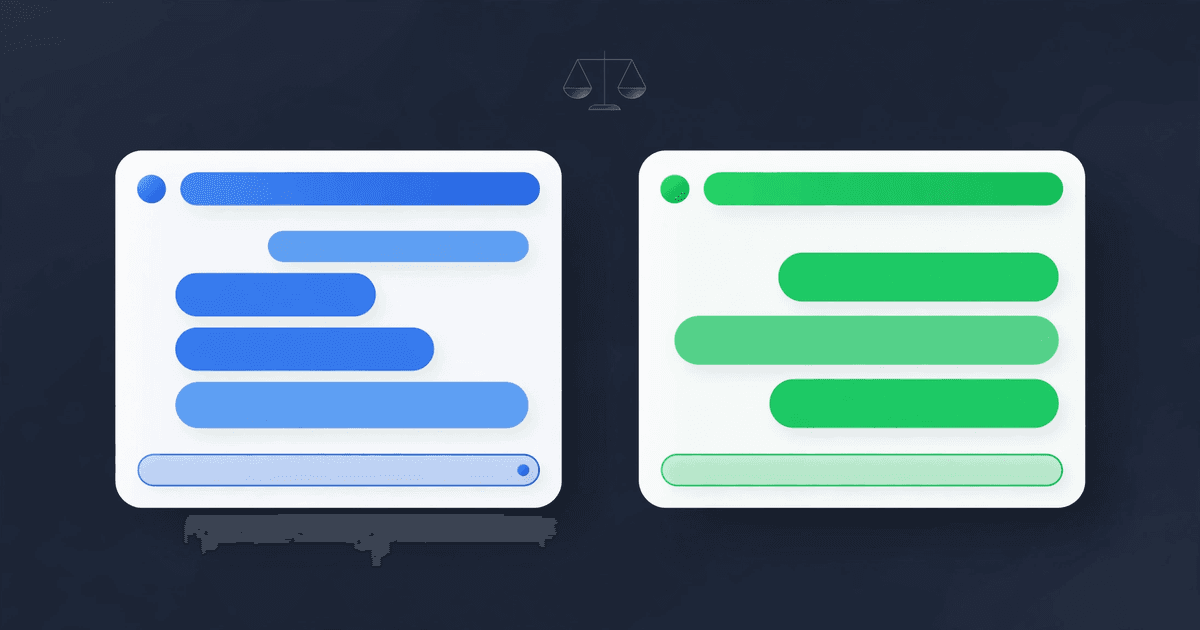
Rather than a feature checklist that goes out of date, here is the honest summary of where each tool shines.
WAbot shines when a small team wants the complete system in one place: replies, handoff, bookings, campaigns, and recovery, without a developer.
Wati shines when a growing team needs a shared inbox first, with automation layered on top of daily support work.
Interakt shines when an online store wants WhatsApp tied to orders and campaigns.
Twilio shines when a technical team needs full control and is happy to build everything itself.
Gallabox shines when a non-technical owner wants to design flows visually and run follow-up sequences.
Notice what this means. The tools overlap, but they are not interchangeable. A store that needs cart recovery and a clinic that needs appointment bookings are solving different problems, and the tool that fits one may be awkward for the other. Start from your busiest workflow, not from the longest feature list.
The pricing question nobody should skip
It is tempting to pick the cheapest plan and move on. Resist that. The real cost of a WhatsApp automation tool has four parts: the platform fee, the messaging charges, the setup effort, and the cost of switching if you chose wrong.
Before you shortlist, check each tool's own pricing page: Wati, Interakt, and Twilio. Prices change, and the list price is rarely the full monthly picture at your volume.
Platform fees are what you see on the pricing page. Messaging charges depend on the tool and the region, and some tools pass WhatsApp's own conversation charges through while others bundle them. Setup effort is the time your team spends building flows, writing replies, and training staff. Switching cost is what you pay later if the tool cannot grow with you: rebuilding flows, retraining staff, and telling customers nothing changed while everything behind the scenes did.
Before you sign up, ask for a written answer to three questions. How does pricing change as my message volume grows? What happens to my number and my chat history if I leave? And what does onboarding actually include? A tool that answers those three clearly is usually a tool that respects its customers.
How to run a fair trial
Do not judge a tool by its demo. Judge it by your own busiest workflow. Pick one real flow, such as appointment booking or order confirmation, and build it in the trial. Then test it the way your customers will use it: with typos, with late-night messages, with a question the bot was never taught, and with an angry message. Watch what happens at each edge.
Two things will tell you almost everything. First, how quickly can a confused conversation reach a human? Second, how much of the flow can you change yourself without calling support? If both answers are good, the tool will serve you for a long time. If either answer is bad, no feature list will save you.
Also, involve the person who will actually answer chats every day. A tool the owner loves and the receptionist hates will fail, because the receptionist is the one living in it. Their opinion counts more than any review, including this one.
FAQ
What is the best WhatsApp automation tool for a small business?+
There is no universal best. The right tool depends on your main workflow. A small team that wants everything in one place should look at a full platform like WAbot. A team that needs a shared inbox may prefer Wati. An online store may prefer Interakt. A technical team may prefer Twilio. A business that wants visual flow building may prefer Gallabox. Start from your busiest workflow and trial two tools against it.
Do I need the official WhatsApp Business API?+
Yes, for any serious business use. The official API gives you verified templates, broadcast messaging, higher limits, and a much lower risk of your number being restricted. Tools that rely on unofficial connections put your number at risk. Ask any vendor directly whether they use the official API before you commit.
Can WhatsApp automation replace my support team?+
No, and it should not. Automation handles the repetitive messages: greetings, FAQs, order status, bookings, reminders. Humans handle the rest: complaints, unusual requests, sensitive questions, and anything where judgment matters. The best setups make the handoff between bot and human smooth, so customers never feel trapped talking to a machine.
How much does WhatsApp automation cost?+
It varies by tool, region, and volume. Compare the platform fee plus messaging charges at your real volume, not at the smallest plan. Check each vendor's own pricing page, because prices change. WAbot's plans are listed on the pricing page, and you can start from the signup page.
Can I switch tools later if I pick the wrong one?+
Usually yes, but switching takes work. You will rebuild your flows and retrain your team. Your WhatsApp number can generally move with you if it is on the official API, but confirm the migration process with both vendors before you sign up. That is one more reason to trial your real workflow first instead of choosing from a feature list. If you want a system that handles replies, bookings, campaigns, and handoff in one place, start with the signup page and test your busiest workflow first. For plans and pricing, see the pricing page.
Put this guide to work today
WaBot sets up WhatsApp automation for your business in minutes, with answers from your own business info, in English or Urdu. Start free.