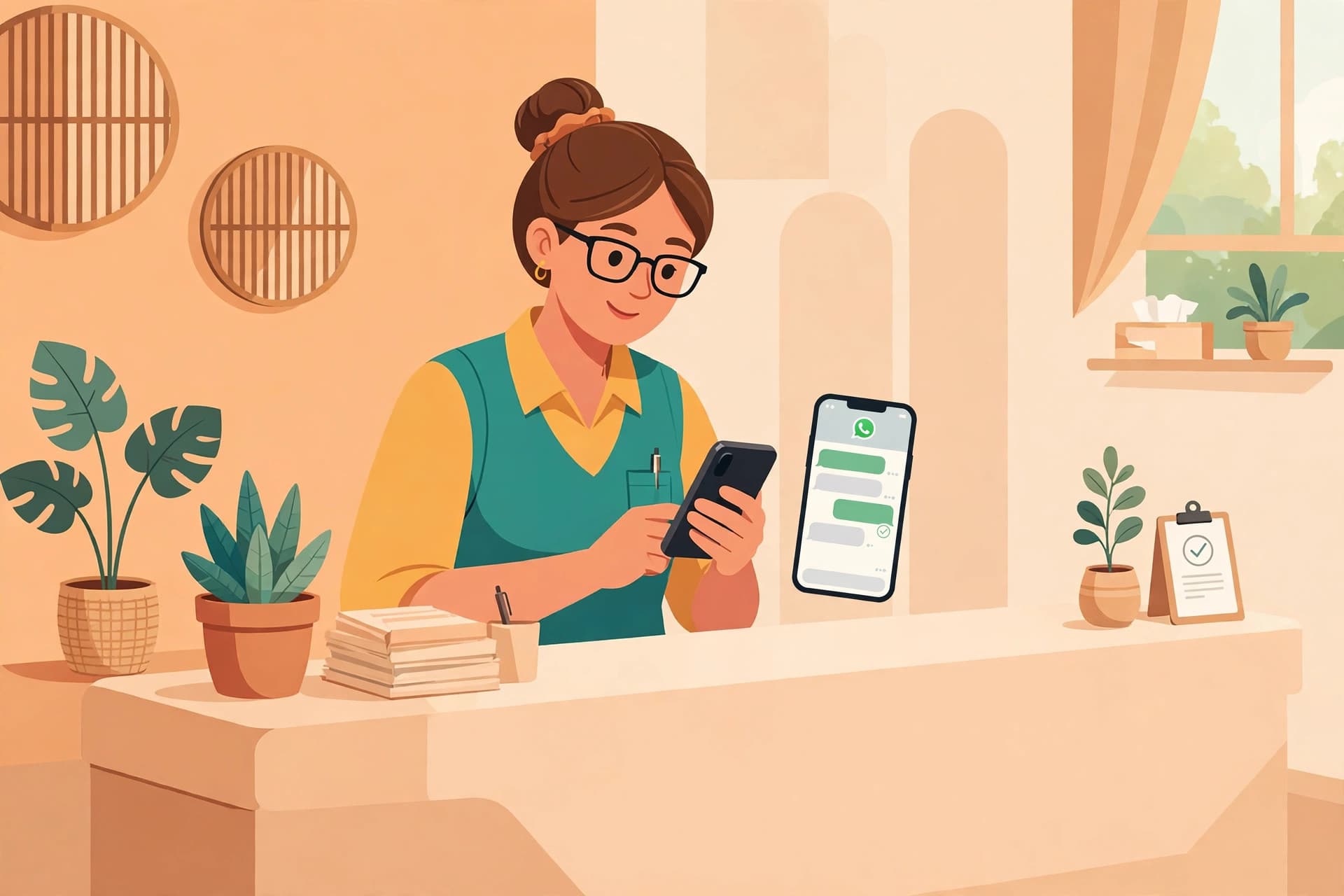
How to Reduce No-Shows with WhatsApp Reminders
Reduce no-shows with WhatsApp reminders for clinics, salons and small teams: timing, templates, confirmation flows and rescheduling that frees slots fast.
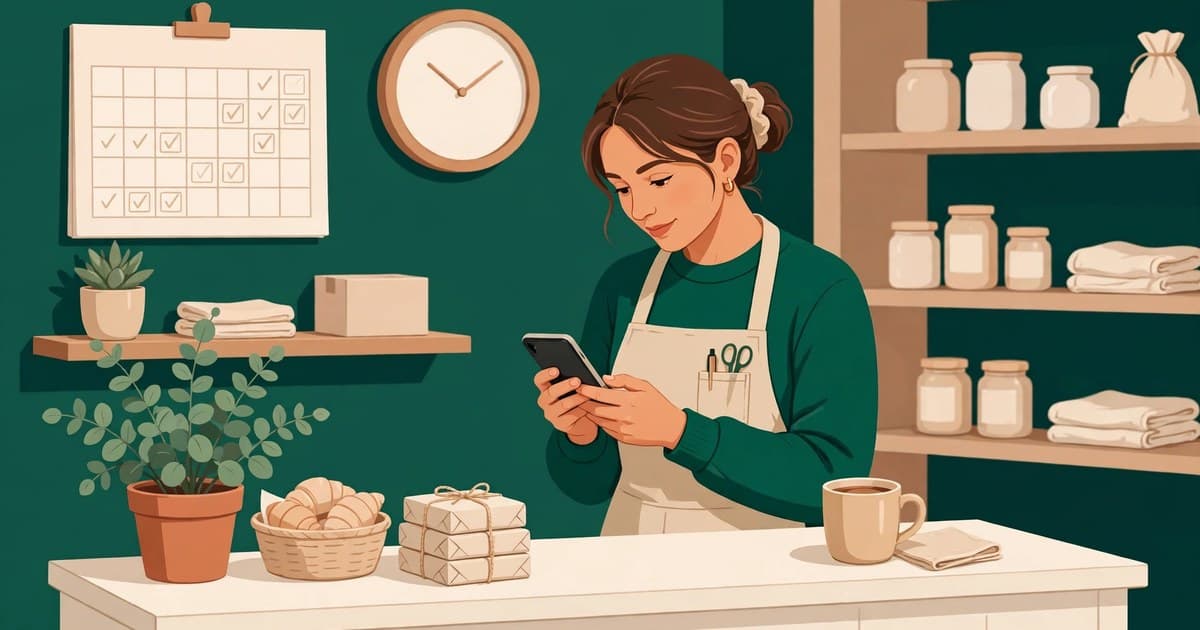
No-shows are not a character flaw in your customers. They are a system gap in your business. People forget, plans change, and details get lost. A reminder system that confirms at booking, reminds early enough to allow rescheduling, reminds again on the day with practical details, and follows up kindly after a miss closes every one of those gaps. Start with one change this week. Send every new booking a confirmation message with the full details and a one word reply to confirm. Then add the early reminder. Then add the waitlist. Each step recovers a few more slots, and a few slots a week, across a year, is a meaningful amount of revenue that currently walks out of the door in silence. A no-show is the quietest way a business loses money. Nobody complains. Nobody argues. A chair sits empty, a treatment room stays dark, a consultant waits by a video link that never opens. The slot is gone, and the customer who wanted it has already gone elsewhere. By the time anyone notices, there is nothing left to recover.
Most owners blame the customer. They were careless, they forgot, they did not respect the booking. Sometimes that is true. More often, the business never gave the customer a proper chance to remember, confirm, or reschedule. A booking made three weeks ago, confirmed by nothing except a vague promise, is not a commitment. It is a hope. WhatsApp reminders turn that hope into a real plan, and they do it in the app customers already check dozens of times a day.
This guide explains how no-show reduction actually works. It covers why people miss appointments, what a good reminder system looks like, the exact timing and wording that helps, how rescheduling frees slots before they are wasted, and the mistakes that turn reminders into annoyance.
Why customers miss appointments
People rarely miss appointments out of spite. The reasons are ordinary, and each one has a fix.
The first reason is simple forgetting. Life fills up between booking and appointment day. Work runs late, a child gets sick, a meeting moves. A booking made on a Monday for three weeks later is competing with three weeks of life. Without a reminder, forgetting is not carelessness. It is normal.
The second reason is friction. The customer meant to come but something changed, and cancelling felt harder than just not showing up. They could not find the number, they did not want a phone call, they were not sure if cancelling would cause a fuss. So they said nothing. Silence is easier than an awkward conversation, and businesses pay for that silence.
The third reason is uncertainty. The customer is not quite sure about the time, the location, or what to bring. A first time patient wondering which entrance to use, a new client unsure whether the meeting is online or in person, a salon customer who forgot which service they booked. Uncertainty creates delay, and delay becomes a missed slot.
The fourth reason is low commitment. A booking that cost nothing, required no confirmation, and sent no reminder feels optional. The customer may have booked two options and planned to pick one later. When nothing confirms the booking, the customer treats it as tentative, because the business treated it as tentative too.
Every one of these reasons responds to the same treatment: a timely reminder, a clear set of details, and a reply path so easy that rescheduling takes less effort than disappearing.
Why WhatsApp beats email and phone calls for reminders
Email reminders fail for a simple reason. People do not live in their inbox. An email sent on Friday for a Monday appointment may sit unread behind newsletters, receipts, and promotions. By Monday morning, it is buried. Phone calls fail for the opposite reason. They demand attention at a moment the customer may not have, they go unanswered, and they create a voicemail nobody returns.
WhatsApp sits in the middle, and that middle is where reminders work. Messages arrive as notifications on a phone the customer already carries. They can be read in seconds, replied to in one tap, and revisited later because the whole thread stays in one place. A customer can check the time, the address, and the preparation notes in the same chat where they booked.
There is also a social difference. An email feels like a system talking. A WhatsApp message feels like a person talking. Customers reply to WhatsApp messages because replying feels natural, not formal. That reply is the whole game, because a reply tells you whether the slot is safe or free.
The anatomy of a reminder system that works
A single reminder is better than none, but a system beats a single reminder every time. A good system has four moments, and each one has a different job.
Moment one is confirmation at booking. The moment the appointment is made, the customer should receive a message confirming the date, the time, the service, the location, and what to bring. This message does two things. It proves the booking is real, and it gives the customer a thread they can return to later. A booking without this message is a booking the customer can easily doubt.
Moment two is the early reminder, usually one or two days before. This is the planning reminder. It gives the customer time to rearrange their day, arrange transport, or reschedule if something has come up. Sending it too early, a week before, means it gets forgotten again. Sending it only on the day means it is too late to recover the slot if plans changed.
Moment three is the day of reminder, a few hours before. This is the action reminder. It answers the practical questions: what time, where exactly, what to bring, and how to join if the appointment is online. It should be short, because the customer is about to leave the house or open the video link.
Moment four is the follow up after a missed appointment. This one is often skipped, and skipping it is a mistake. A short, kind message after a no-show keeps the relationship alive. It asks whether everything is alright, offers to rebook, and gently notes the policy if there is one. Customers who feel scolded do not return. Customers who feel cared for usually rebook.
Businesses that run all four moments see the difference fast. The early reminder recovers slots. The day of reminder prevents confusion. The follow up recovers customers. None of them work alone as well as they work together.
What to say: wording that gets replies
Reminder wording matters more than most owners expect. A vague reminder gets ignored. A specific reminder gets a reply. Compare these two messages for the same appointment.
A vague reminder says: this is a reminder about your appointment tomorrow. That message tells the customer almost nothing. Tomorrow at what time. For what service. Where. The customer has to ask, and many will not bother.
A specific reminder says: Hi Sarah, a quick reminder about your haircut with Maria tomorrow, Tuesday 28 October at 10:30 AM at our High Street salon. Please reply YES to confirm, or reply RESCHEDULE and we will find another time. That message answers every question and offers two replies that take one second each. The customer does not need to think. They just need to tap.
Good reminders follow a simple pattern. Greet the customer by name. State the date, time, service, and location. State what to bring or how to join. Offer a one word reply for confirm, and an equally easy reply for reschedule or cancel. Keep the whole message short enough to read on a lock screen.
Tone matters too. A reminder should sound like a helpful receptionist, not like a warning letter. Avoid threatening language about charges in the first reminder. The goal of a reminder is to keep the customer, not to frighten them. Policy language belongs in the booking terms and in the follow up after a repeat no-show, not in the friendly message that is supposed to bring them in.
Rescheduling: the feature that actually saves slots
Here is the insight most reminder guides miss. The point of a reminder is not only to make customers show up. It is to find out early when they will not.
A customer who reschedules on Monday for a Wednesday appointment gives you two days to fill that slot. A customer who simply does not show up on Wednesday gives you nothing. The reminder system earns its keep in that gap. Every reschedule that arrives early is a slot you can offer to someone on the waitlist, and every waitlist fill is revenue that would otherwise have been lost.
This only works if rescheduling is genuinely easy. If rescheduling means calling during office hours, waiting on hold, and explaining the situation to a stranger, customers will not do it. If it means replying with one word in the same chat, they will. The reply path must be easier than silence, or silence wins.
A waitlist turns early reschedules into recovered revenue. When a slot opens, a message to the waitlist offering the slot on a first reply basis fills it fast. Customers on a waitlist are already motivated. They asked for that slot. The business just needs a fast way to reach them before they make other plans.
Overbooking is sometimes suggested as an alternative, and it deserves a warning. Booking two customers for one slot in the hope that one will not show up creates a different problem: two customers arriving at once, a waiting room full of annoyed people, and a reputation hit that costs more than the slot was worth. A reminder system plus a waitlist recovers slots honestly. Overbooking gambles with customers' time, and customers notice.
Measuring whether reminders are working
A reminder system that nobody measures will slowly drift. A few simple numbers tell you whether it is working, and they are easy to track.
Track the confirmation rate: how many customers reply to confirm. Track the reschedule rate: how many reschedule before the appointment rather than disappearing. Track the no-show rate itself, week by week. Track the waitlist fill rate: how many freed slots get filled again. When confirmation rates rise and no-shows fall, the system is working. When confirmations stay low, the problem is usually the message, the timing, or the reply path, not the customers.
Watch for one more signal. If reminders generate complaints, read the complaints carefully. Too many messages is the most common complaint, and the fix is fewer messages, not louder ones. Confusing messages are the second complaint, and the fix is shorter messages with clearer details. A reminder system should feel like good service. The moment it feels like nagging, it has gone too far.
How this changes by industry
The skeleton is the same everywhere, but the details change by business, and getting the details right is what makes reminders feel personal rather than generic.
Clinics need the most care. Reminders should include the doctor or practitioner name, the clinic address, and any preparation notes, such as fasting or bringing previous reports. The tone should be calm and private, because health appointments are sensitive. Rescheduling must be clearly offered, because a patient who feels trapped by a booking they cannot change will simply not come.
Salons and beauty businesses benefit most from the waitlist effect. A freed chair on a Saturday is valuable, and a waitlist message on Friday fills it. Reminders should name the stylist and the service, because customers book people as much as they book treatments.
Fitness studios and classes need fast day of reminders, because class slots are short and the waitlist is usually eager. A reminder a few hours before, with a one tap cancel option, lets the next person in line take the spot.
Consultants, coaches, and professional services should include the meeting link directly in the day of reminder. A surprising number of no-shows for online meetings are really join link problems. The customer could not find the link, gave up, and never told anyone. Putting the link in the reminder removes that whole category of failure.
Mistakes that turn reminders into annoyance
Even good intentions create bad reminders. These are the mistakes to avoid.
Sending too many messages is the biggest one. Four reminders for one appointment feels like harassment, especially when the customer already confirmed. Once a customer confirms, stop the chain. There is no reason to remind someone who already said yes, except for the short day of message with practical details.
Sending vague messages is the second mistake. A reminder without a time, a place, or a service is not a reminder. It is a puzzle. Every reminder must contain the facts the customer needs, or it creates a new question instead of answering one.
Sending reminders with no reply path is the third. A message that says do not reply to this number teaches the customer that silence is expected. If there is no way to confirm or reschedule, there is no way to save the slot.
Sending reminders at the wrong time is the fourth. A reminder at midnight wakes people up and annoys them. A reminder during a holiday they told you about feels tone deaf. Respect normal hours, and let the system pause for customers who are away.
The last mistake is punishing no-shows in the reminder itself. Threatening a customer who has not missed anything yet poisons the relationship before the appointment even happens. Save policy conversations for after a genuine no-show, and keep them kind. Most customers who miss once will return if they are treated well. Almost none will return if they are scolded.
How WAbot fits in
Running this system by hand works for a handful of appointments a week. It collapses when bookings grow, because someone has to remember to send each message, track each reply, and fill each freed slot. That is exactly the work automation should take over.
WAbot runs on the official WhatsApp Business API, so booking confirmations, reminders, and rescheduling flow through the same inbox where customers already message you. A customer can book, confirm, and reschedule in chat without a phone call. When a conversation needs a person, safe handoff moves it to a human agent with the full chat history attached, so the customer never repeats themselves. Campaign messages keep waitlists warm, and revenue recovery follows up on conversations that went quiet.
You can compare plans and see what fits your volume on the pricing page, and you can create an account through signup when you are ready. The sensible way to start is with one workflow, such as reminders for your busiest service, and to measure the no-show rate before and after. The numbers will tell you quickly whether the system earns its place.
For a broader view of what WhatsApp automation covers beyond reminders, the guide What Is WhatsApp Automation? The Complete 2026 Guide is a useful next read, and the guide on How to Automate Customer Support on WhatsApp covers the handoff side in detail.
FAQ
How many reminders should I send before an appointment?+
Two reminders plus the booking confirmation works well for most businesses. One reminder a day or two before, so the customer can reschedule if needed, and one short reminder a few hours before, with the practical details. Stop the chain once the customer confirms, except for the short day of message. More than that usually annoys people without reducing no-shows further.
What is the best time to send a WhatsApp reminder?+
The early reminder works best a day or two before, during normal daytime hours when the customer can act on it. The day of reminder works best a few hours before the appointment, early enough that the customer can still travel or join the link. Avoid late night messages and very early morning messages. The right time is when the customer can read it and do something about it.
Should reminders ask customers to confirm, or just inform them?+
Always ask for a confirmation reply. An informative message that asks for nothing gives you no signal. A message that asks for a one word YES tells you which slots are safe and which ones need a follow up. Confirmation is what turns a reminder from a message into a management tool.
What should I do when a customer does not reply to a reminder?+
Treat silence as a warning, not as a cancellation. Send one polite follow up asking whether they would like to keep or move the appointment. If there is still no reply, keep the slot but prepare a waitlist message you can send quickly if the slot opens. Never assume silence means the customer is coming, and never punish silence as if it were a confirmed cancellation.
How do I handle repeat no-shows without losing customers?+
Start with kindness and a conversation. A follow up message after a missed appointment often reveals a genuine reason, such as illness or a schedule clash. If the pattern repeats, explain your policy clearly and privately, and consider asking for a deposit or confirmation for future bookings. The goal is to protect your calendar while keeping the door open for a customer who may simply need a different booking pattern.
Can reminders work if my bookings come from phone calls, not online?+
Yes. The booking channel does not matter. What matters is that every booking, however it was made, gets entered into the system and triggers the same confirmation and reminder sequence. A phone booking that never enters the system is invisible to reminders, so the discipline of recording every booking is part of the system, not an extra step.
Do WhatsApp reminders need the customer to opt in?+
Yes. On the official WhatsApp Business API, marketing and reminder templates go to customers who have agreed to receive messages from you. Booking confirmations tied to a booking the customer made are part of that service relationship, but the safe rule is simple: only message people who gave you their number for this purpose, and always offer an easy way to opt out. You can check how this works in practice on the pricing page, and start through signup.
Put this guide to work today
WaBot sets up WhatsApp automation for your business in minutes, with answers from your own business info, in English or Urdu. Start free.